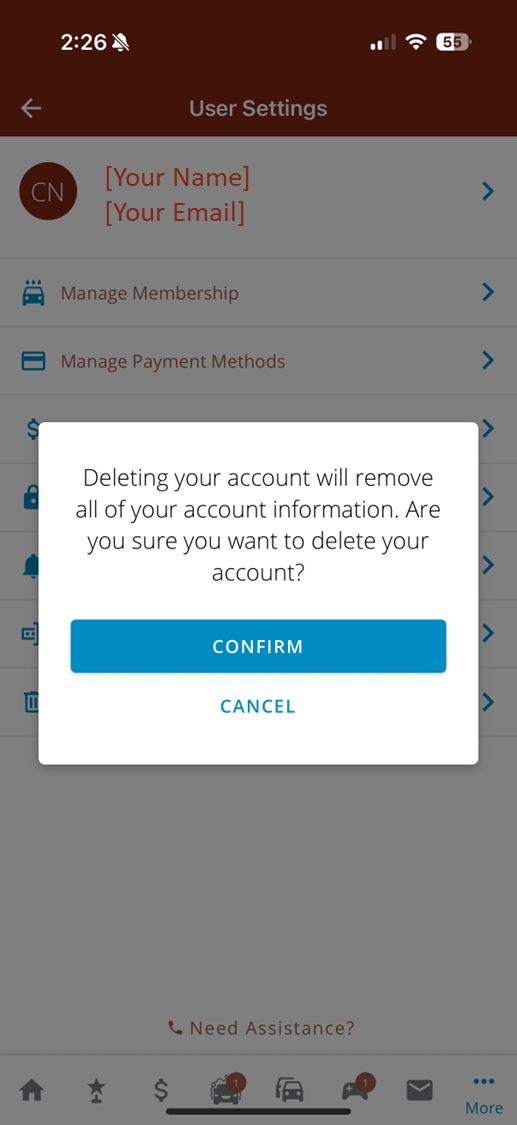
Deleting your account will completely remove the following data:
Limited account activity data may be retained for financial reporting and audit purposes.
You may delete your mobile app account by following the steps below. Before you can delete your account, you must first cancel any active membership associated with your account. Please give us a call at 219-213-6865 if you require assistance.